


环境搭建
本代码使用了os、time、requests库,仅只有requests库需要下载
pip install requests抓包方法
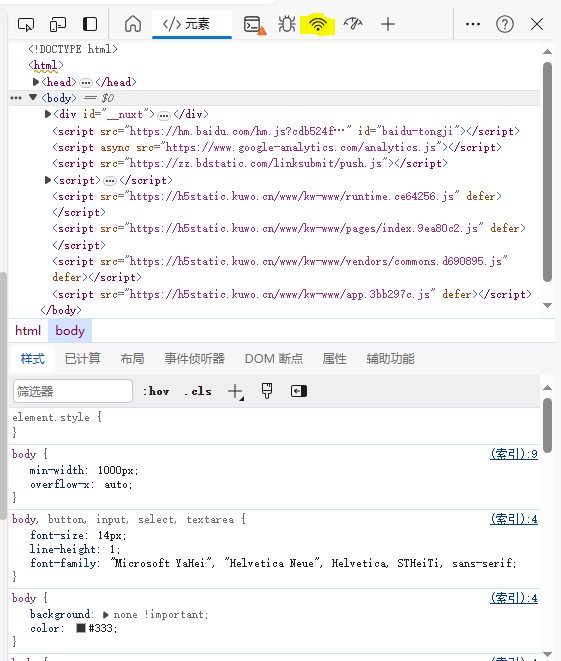

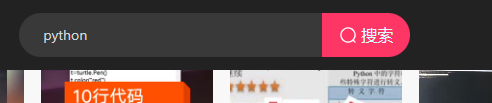
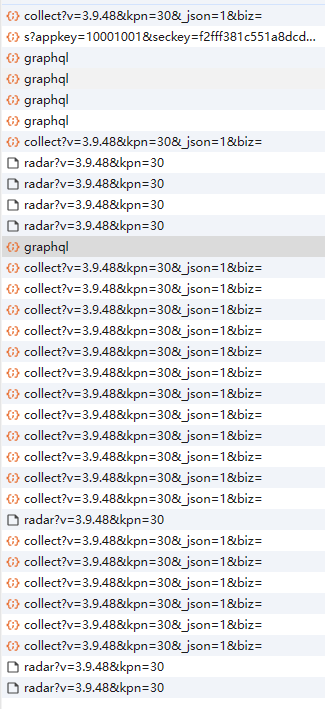
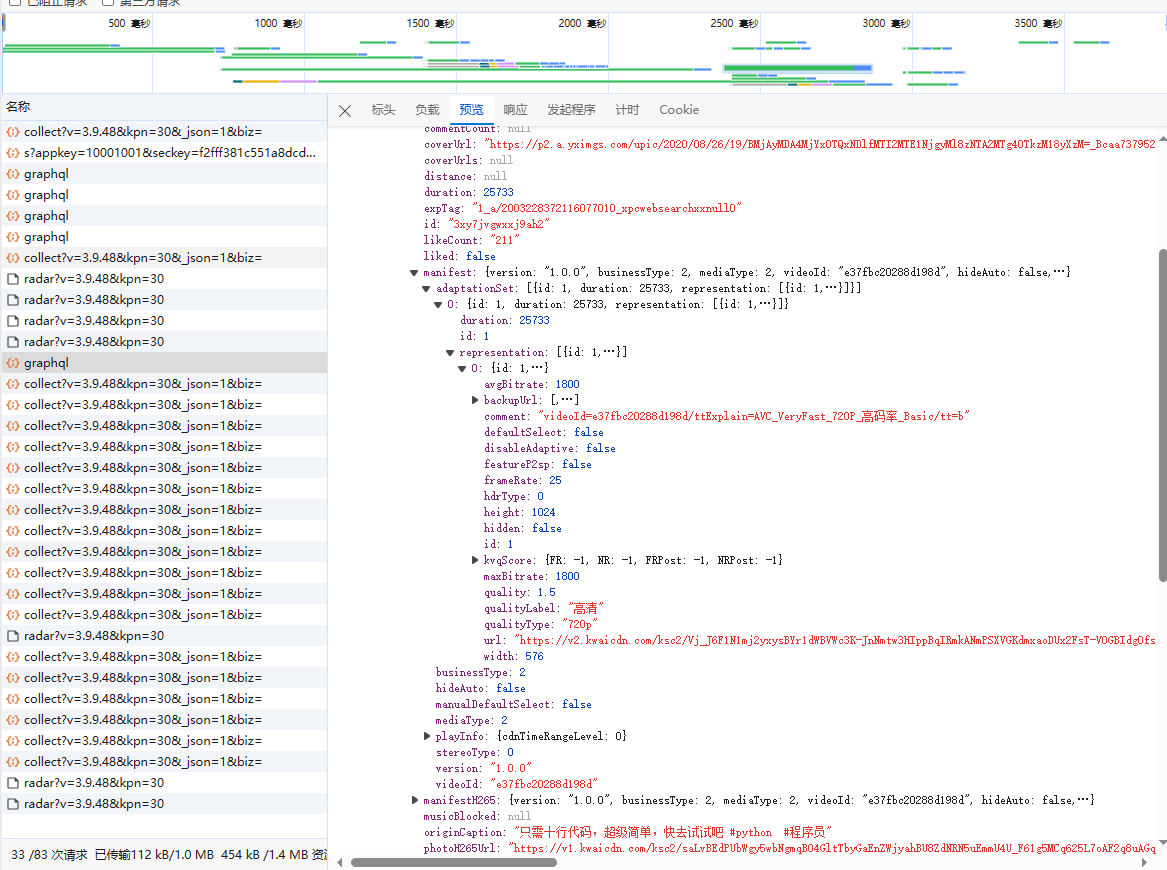
抓包
代码编写
本代码保护四部分
第一部分为请求头、cookies的信息(自行抓取,无代码展示)
第二部分为根据关键词获取视频信息的函数
def get_video_url(keyword, pcursor):
    # 定义请求头
    json_data = {
        'operationName': 'visionSearchPhoto',
        'variables': {
            'keyword': keyword,
            'page': 'search',
            'pcursor': str(pcursor)
        },
        'query': 'fragment photoContent on PhotoEntity {\n  __typename\n  id\n  duration\n  caption\n  originCaption\n  likeCount\n  viewCount\n  commentCount\n  realLikeCount\n  coverUrl\n  photoUrl\n  photoH265Url\n  manifest\n  manifestH265\n  videoResource\n  coverUrls {\n    url\n    __typename\n  }\n  timestamp\n  expTag\n  animatedCoverUrl\n  distance\n  videoRatio\n  liked\n  stereoType\n  profileUserTopPhoto\n  musicBlocked\n}\n\nfragment recoPhotoFragment on recoPhotoEntity {\n  __typename\n  id\n  duration\n  caption\n  originCaption\n  likeCount\n  viewCount\n  commentCount\n  realLikeCount\n  coverUrl\n  photoUrl\n  photoH265Url\n  manifest\n  manifestH265\n  videoResource\n  coverUrls {\n    url\n    __typename\n  }\n  timestamp\n  expTag\n  animatedCoverUrl\n  distance\n  videoRatio\n  liked\n  stereoType\n  profileUserTopPhoto\n  musicBlocked\n}\n\nfragment feedContent on Feed {\n  type\n  author {\n    id\n    name\n    headerUrl\n    following\n    headerUrls {\n      url\n      __typename\n    }\n    __typename\n  }\n  photo {\n    ...photoContent\n    ...recoPhotoFragment\n    __typename\n  }\n  canAddComment\n  llsid\n  status\n  currentPcursor\n  tags {\n    type\n    name\n    __typename\n  }\n  __typename\n}\n\nquery visionSearchPhoto($keyword: String, $pcursor: String, $searchSessionId: String, $page: String, $webPageArea: String) {\n  visionSearchPhoto(keyword: $keyword, pcursor: $pcursor, searchSessionId: $searchSessionId, page: $page, webPageArea: $webPageArea) {\n    result\n    llsid\n    webPageArea\n    feeds {\n      ...feedContent\n      __typename\n    }\n    searchSessionId\n    pcursor\n    aladdinBanner {\n      imgUrl\n      link\n      __typename\n    }\n    __typename\n  }\n}\n',
    }
    # 进行异常抛出操作
    try:
        # 发送post请求
        response = requests.post('https://www.kuaishou.com/graphql', cookies=cookies, headers=headers, json=json_data).json()
        feeds = response["data"]["visionSearchPhoto"]["feeds"]
        # 如果有内容则执行
        if feeds:
            # 循环取各个视频的信息
            for feed in feeds:
                # 获取视频名称
                name = feed["author"]["name"]
                # 获取视频链接
                video_url = feed["photo"]["manifest"]["adaptationSet"][0]["representation"][0]["url"]
                # 调用下载视频函数进行下载视频
                dow_status = dowload_video(name=name, video_url=video_url, dir_name=keyword)
                # 如果下载视频函数返回了true则返回true
                if dow_status:
                    return True
                # 如果未返回任何信息则暂停1秒
                time.sleep(1)
        # 否则返回True
        else:
            return True
    # 如果上述代码运行异常则返回true
    except:
        return True
第三部分为下载函数
def dowload_video(video_url, name, dir_name):
    try:
        # 发送get请求获取视频内容
        content = requests.get(url=video_url, headers=headers, cookies=cookies).content
        # 首先判断video目录是否存在 其次判断video/dir_name目录是否存在 如果不存在则创建
        try:
            try:
                os.mkdir("video/")
            except:
                pass
            os.mkdir(f"video/{dir_name}/")
        except:
            pass
        # 使用open读入文件
        with open(f"video/{dir_name}/{name}.mp4", "wb") as f:
            # 写入文件内容
            f.write(content)
            # 输出提示
            print(f"{name}下载完毕")
    except:
        # 如果发送错误则返回true
        return True
第四部分为程序主入口
if __name__ == '__main__':
    keyword = input("请输入要爬取视频的类型:")
    page = int(input("请输入要爬取的页数:"))
    for i in range(0, page):
        status = get_video_url(keyword=keyword, pcursor=i+1)
        if status:
            print("也许已下载完相应页数的视频,也许被风控了,将自动退出程序")
            break
        time.sleep(1)

评论